Marigold Kitchen: the Google package
How Marigold Kitchen shows up on Google and in shared links decides whether people choose it or scroll on to the next name. We write every line and put it live on your website for you.
1. How you look on Google
The title and description Google shows for your main page, written from your own site in the words customers search for.
Before: the result shows the title “Home” and the description “No information is available for this page.”.
- The page title is just “Home”
- No description, so Google shows a filler line
- Nothing says what or where the business is
After: the title reads “Marigold Kitchen · All-Day Café & Dinner on Alder Street” and the description reads “Breakfast from 8am, lunch and dinner until 10pm, Tuesday to Sunday in Riverside. See the menu and book a table online.”.
- Name, what it is and the street, in about 60 characters
- Opening hours and a reason to click
- Matches what people actually search: “café near me”, “dinner Riverside”
2. Your link, when someone shares it
A 1200 by 630 share image in your colours, plus the tags that tell WhatsApp, Facebook and LinkedIn what to show.
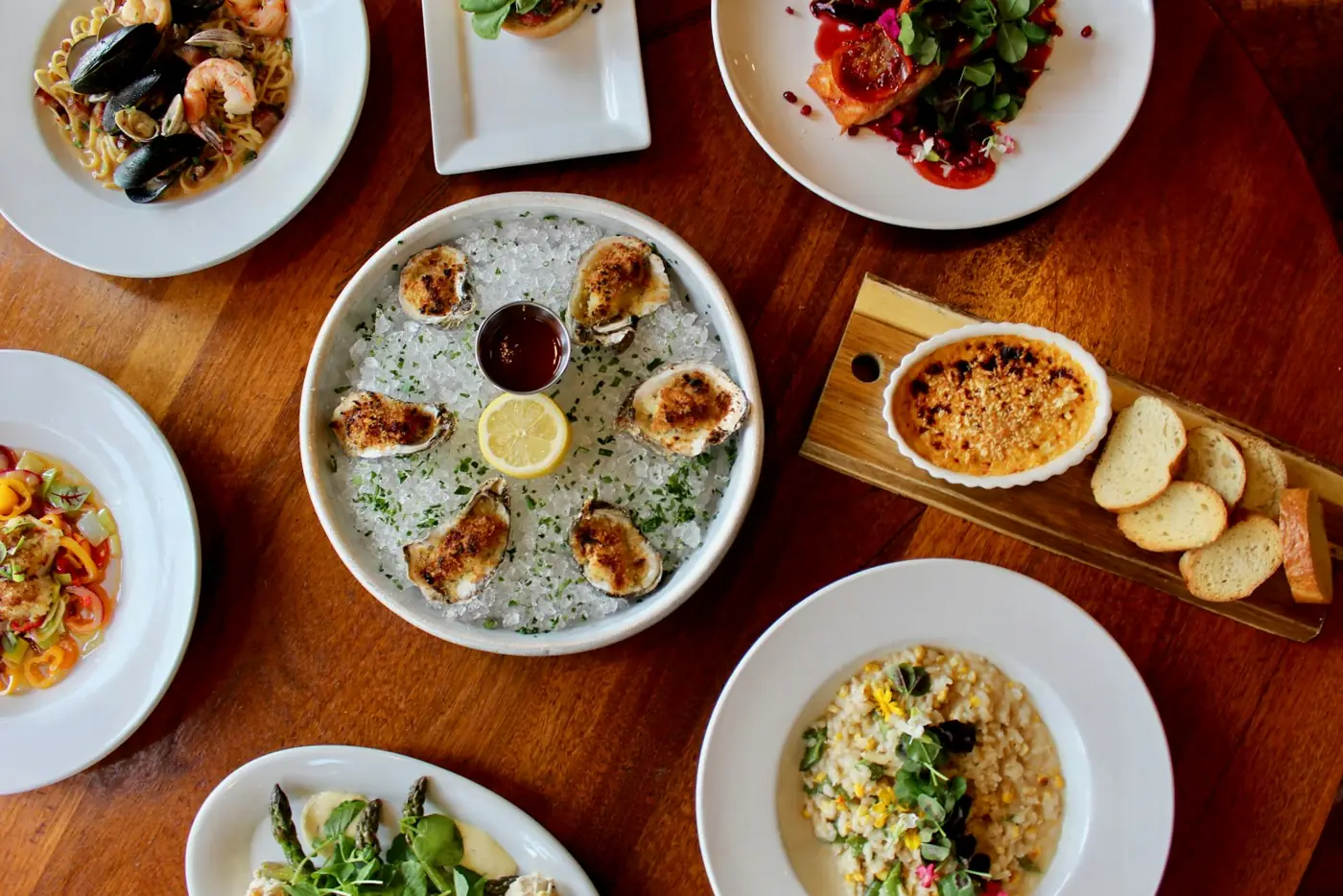
3. A description for every image
Screen readers read these aloud, and image search uses them to understand your photos. We write one for every image on your main pages.
alt="IMG_4471.jpg"alt="Dinner for the table: baked oysters with lemon, mussels, risotto, a salad and crème brûlée on a wooden table."All three for $29, made from your own site.
Or $49 together with an online booking page. You see your own version before you pay, and you never share a password.
The same page, before and after
Many small-business sites look like the left side. This sample is the right side.
- Google shows the title ‘Home’ and no description
- The shared link is a blank grey box
- The title names the café, what it serves and the street
- The shared link shows a photo, the name and a line about it
What we doWe write the title and the description Google shows for your website, and the photo card that appears when someone shares your link on WhatsApp or Facebook. We put them live on your website for you.
What it does for youPeople searching nearby see straight away who you are, what you offer and where you are, so they pick you instead of the next result. A link a friend shares looks real and gets opened.